
Android Application
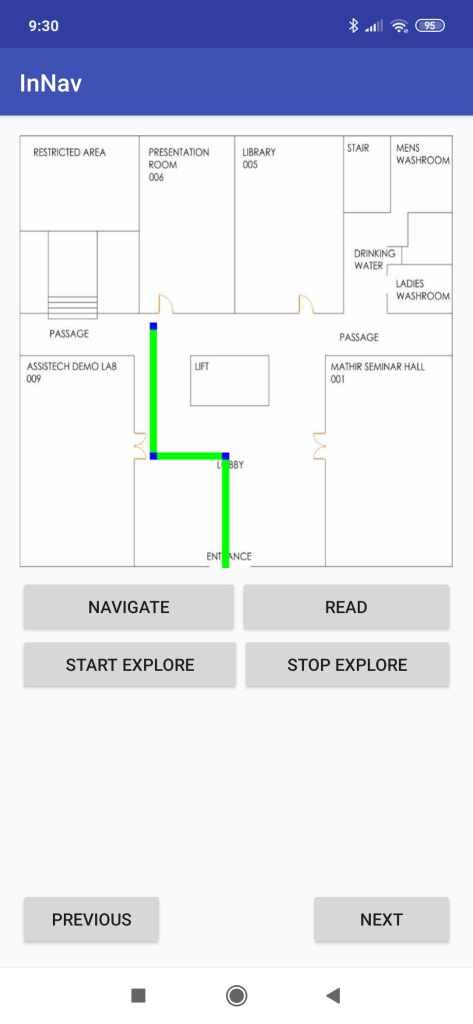
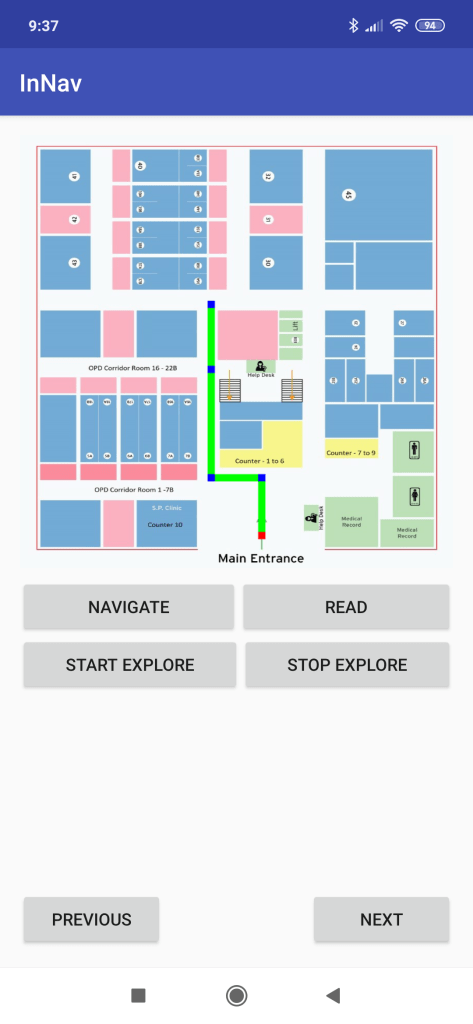
The Android App works for every building you want to navigate thus removing the need to install different apps for different buildings. The user scans the QR Code put in front of the building, and the App knows it all! The user can navigate between source and destination. There is also a procedure to detect the proximity of a person inside a building. We used beacons to determine the proximity by estimating their distances from them with the help of RSSI values. Whenever the user comes in proximity to a beacon, he receives a vibration alert and the UI speaks “You have reached the Library”. The App displays the navigation path on an instruction basis and also shows the map of the building.
The App uses Text-to-Speech to speak out all the necessary details on the screen for the visually impaired. The app encompasses a unique feature which we call “Explore the area”. In this, the user points his phone towards a direction and gets to know the services lying in that direction. Even if those services or rooms are 10m, 50m or 100m apart or even if there comes a wall in between. This feature is specially useful for the visually impaired as they can keep track if they are moving in the right direction. Also, it helps the user to look beyond walls without physically looking or trying to make sense of a map.

Web Application
The web app has two parts – admin side and user side.
Admin Side
Each building is supposed to have an administrator who will register himself on the app and upload the map of the building.
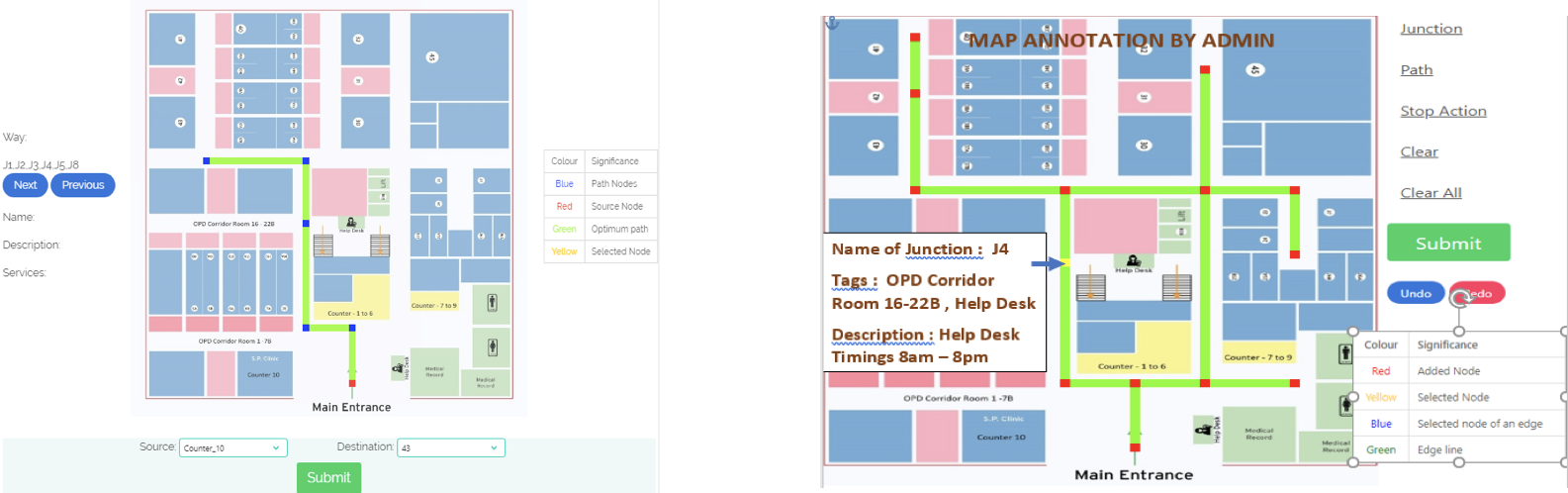
After uploading the map, he has the option to see or annotate any map he has uploaded. He can also the various versions of each map ( current , previous and older) . Each map asks for authentication via password before submitting. We have provided easy to use service for navigation. The administrator can add a junction and important services nearby it. Each node can also have audio and visual landmarks for the user.
User Side
Every user doesn’t like to download an app when visiting a building for the first time. So instead of downloading the app, users can access the mobile version of the app through their browsers . They just need to scan the QR code of the building and then select the source and destination. Every path and important junctions are colour coded. Users will be shown the path and important junctions after clicking submit button and he can select any junction and see the nearby service and any audio landmark related to the services.

